

Keep working.
While files move.
Send copies and moves to the background. Organize other files while keeping track of progress and results.
Fast on the keys.
Light on your workflow.
macOS Apple Silicon · Windows x64
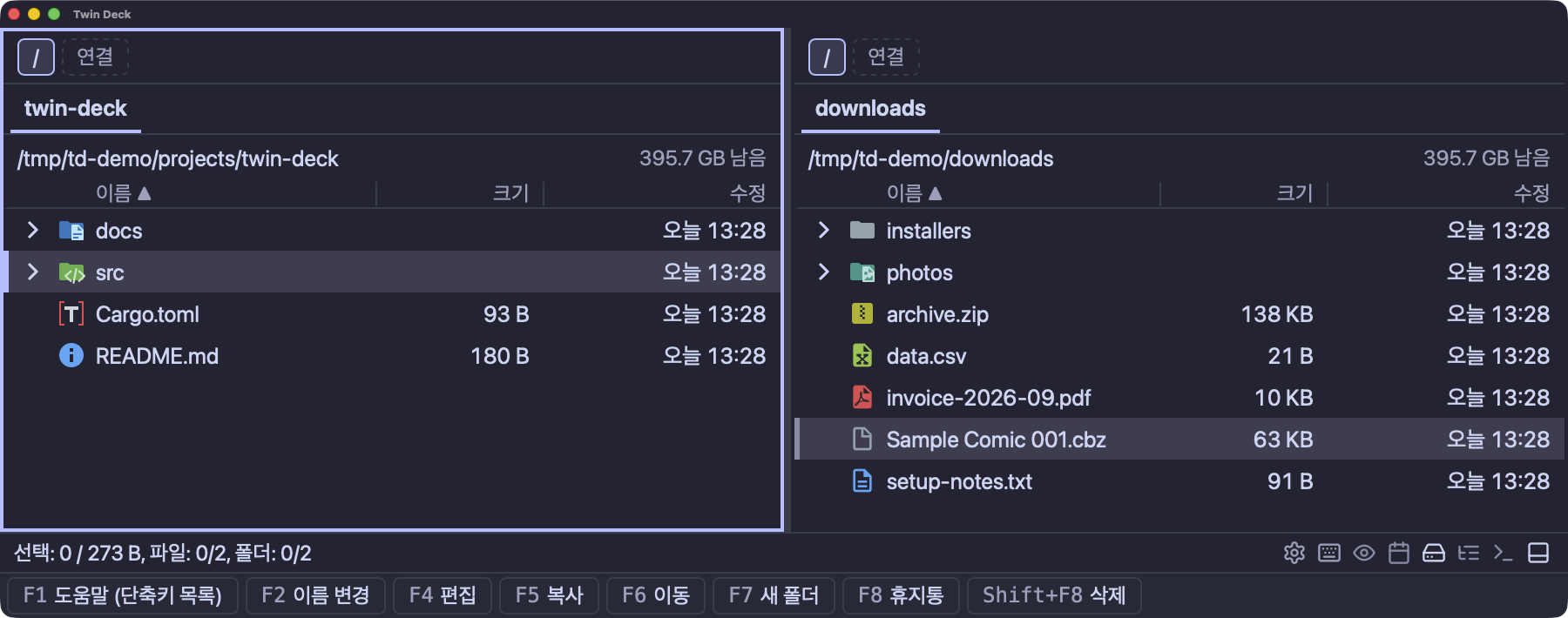
Source and destination, side by side.
Select, copy, and keep going. All from your keyboard.
Press Tab to switch between panes. With both folders in view, your destination is always in sight.
Click a key to explore. These examples use real app screenshots, shown in Korean.
Go beyond the filename.
Preview, search, and explore disk usage in one place.
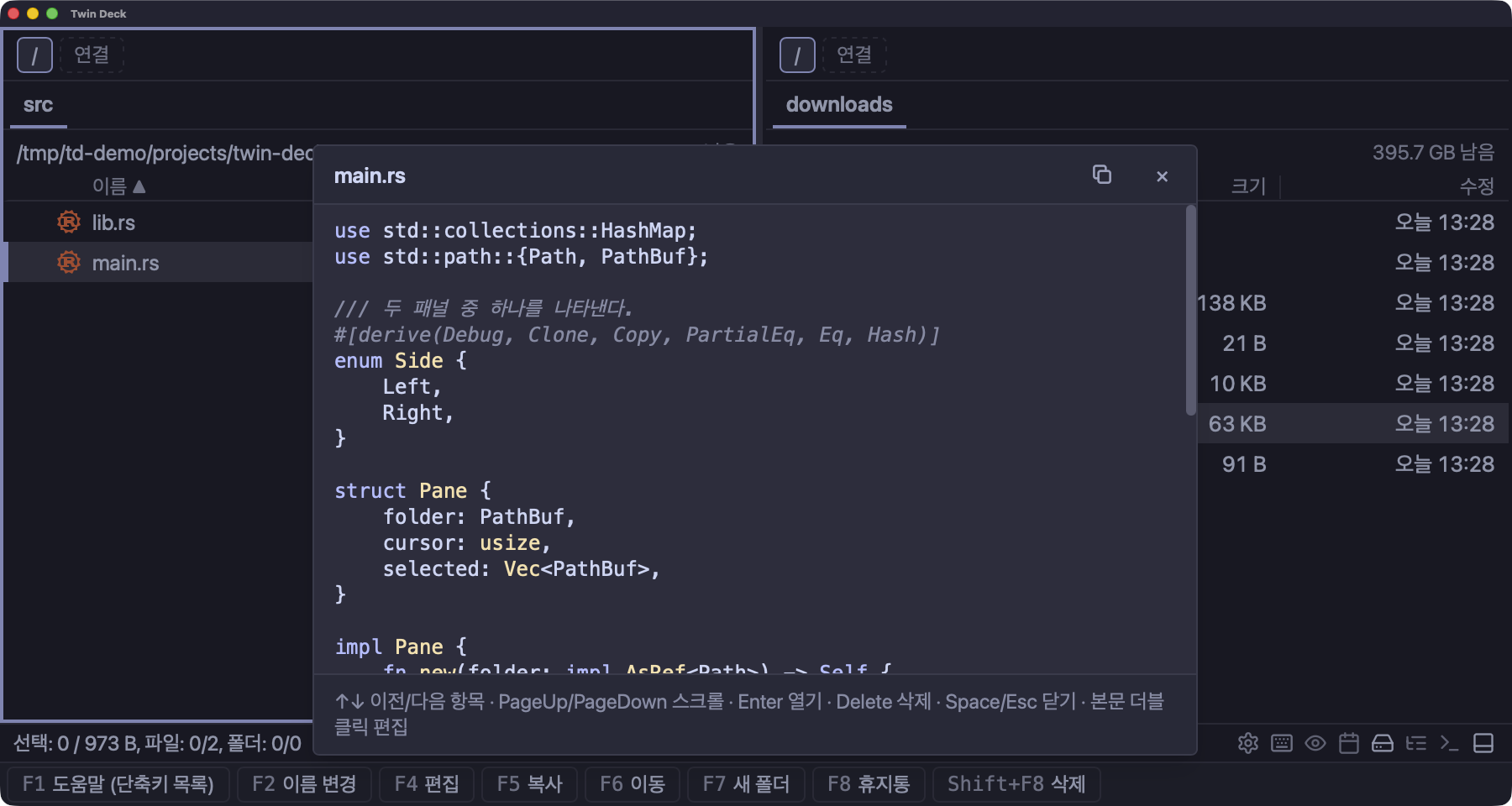
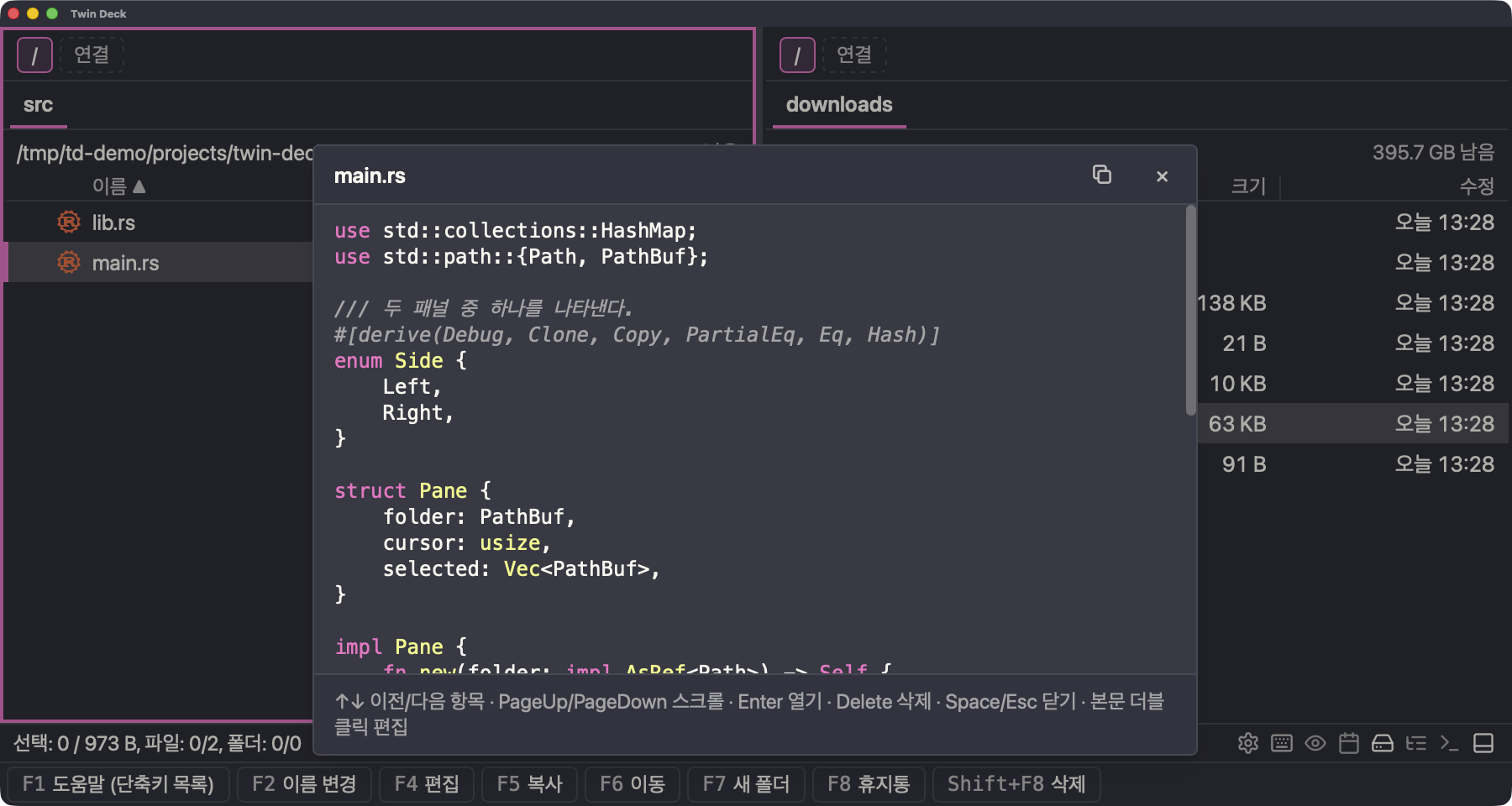
Code, Markdown, images, PDFs, and video.
Even 3D models, HWP, and EPUB. Press → to take a look.
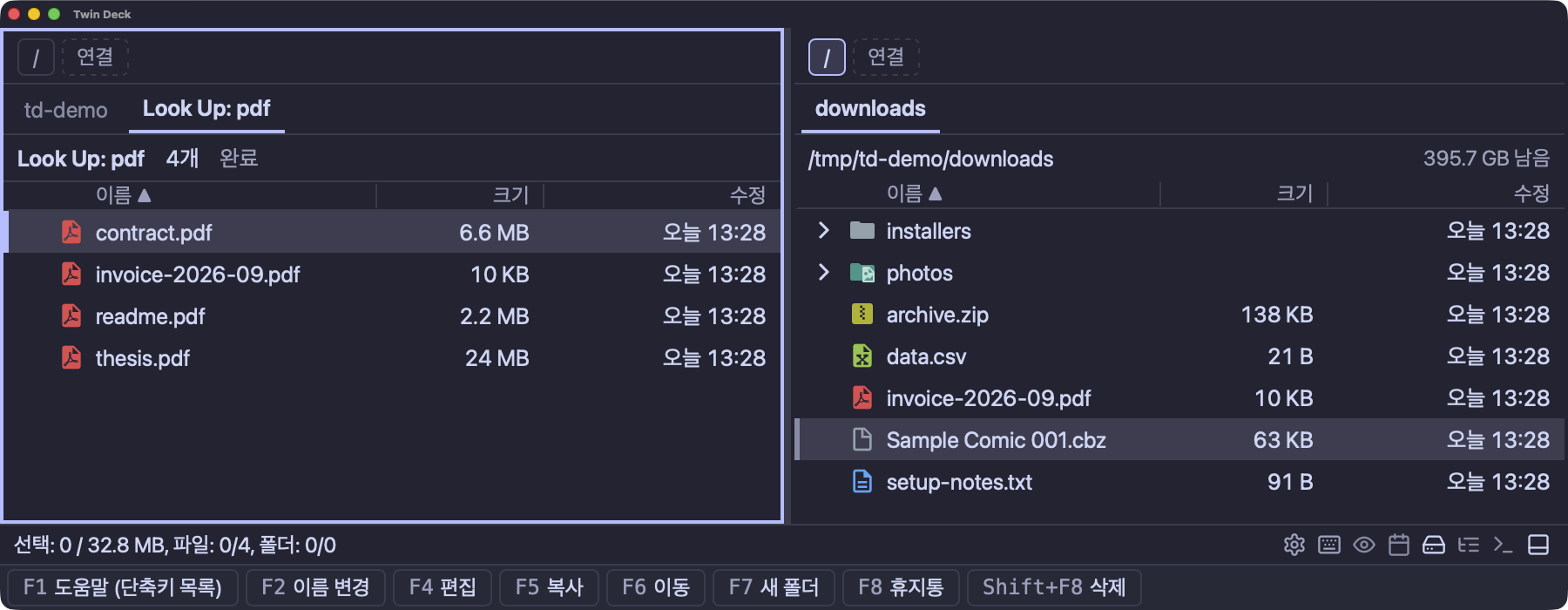
Search names and contents with wildcards or regular expressions.
Results open in a new tab, ready for your next move.
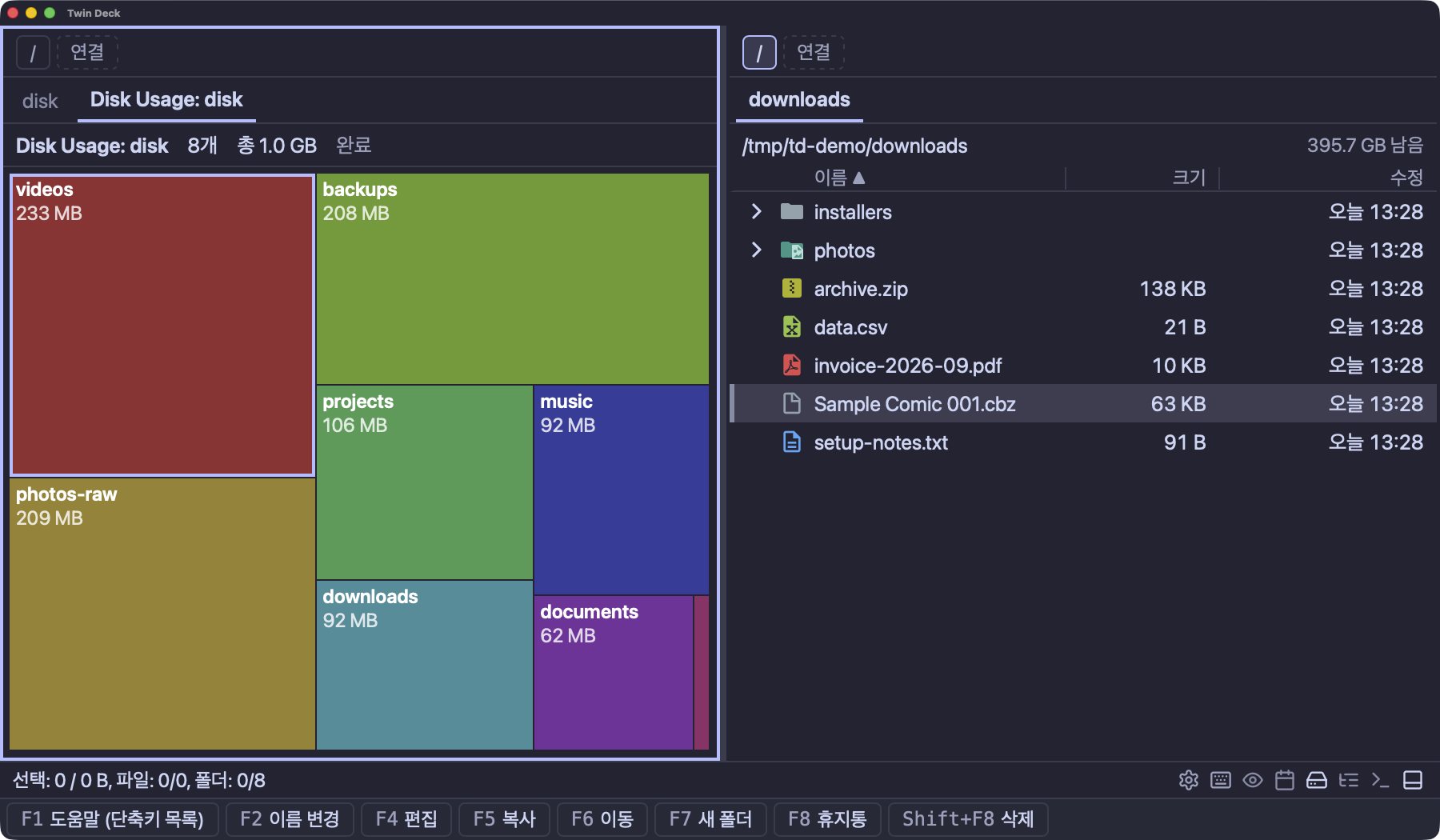
Each tile shows how much space a file or folder uses.
Start with the biggest tiles and find room to clear.
Send copies and moves to the background. Organize other files while keeping track of progress and results.
Look inside before extracting. Create and extract archives in the background, too.
Open a terminal in your current folder. Move its tab to the other pane without losing your shell or scrollback.
td ~/workLaunch Twin Deck directly from your terminal.
Connect to saved servers and transfer files between local and remote folders.
Connections and supported features
Made to fit the way you work.
Choose from 112 themes. Make it your own with fonts and shortcuts.
Available in English and Korean. Settings are stored in TOML and can be changed right in the app.
Make your next move with Twin Deck.
brew install --cask gyuha/tap/twin-deck
The app is unsigned. Your OS may ask you to allow it on first launch.
Installation guide